

Comment enregistrer un GIF depuis Reddit
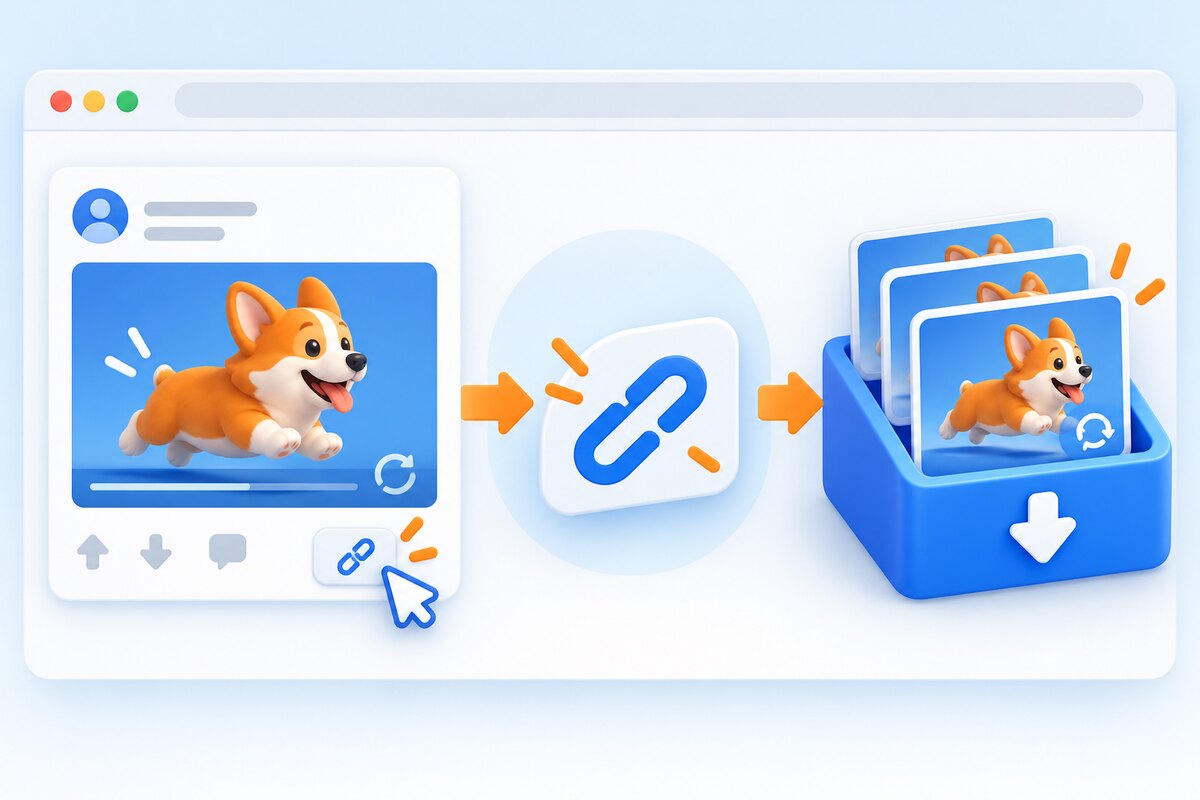
Quick answer: Fast path: Share → Copy Link → open the GIFDB Reddit downloader → choose quality → save MP4. If the destination requires GIF, send that MP4 through the MP4-to-GIF converter.
To save a GIF from Reddit reliably, copy the public post link, download the highest-quality media, and convert it only if you specifically need a .gif file. This avoids app menus that change by device and prevents an unnecessary quality loss. The same method works whether Reddit labels the animation as a GIF or serves it as a looping MP4.
Step-by-step
Open the individual Reddit post and tap or click Share, then Copy Link. Paste the URL into the Reddit downloader and wait for the available formats. Choose the highest useful resolution, download, and play the file once. If you need GIF, trim the clip before conversion, set an appropriate width and frame rate, and check the loop before sharing.
Which format should you save?
Save MP4 when you want sound, better quality, or a smaller file. Save or create GIF when the animation is short and silent and the receiving app explicitly requires GIF. Do not rename the extension as a shortcut. A format conversion rewrites the media; a filename change does not.
If the normal save menu works
A browser long-press or right-click may be enough for a direct image. Reddit users also report using old.reddit.com to expose some original GIF files. Those are reasonable shortcuts, but the result can vary with the host and Reddit interface. The copied post URL remains the most portable fallback.
Original Reddit discussions and primary references
These sources are linked so you can inspect the user reports and official documentation directly. We summarize patterns rather than treating any single comment as universal.
- r/help: How do I save gifs? — Mobile browser and old Reddit methods.
- r/NewToReddit: Download GIFs on mobile — Why app and desktop results differ.