

How to Convert a Reddit Video to GIF
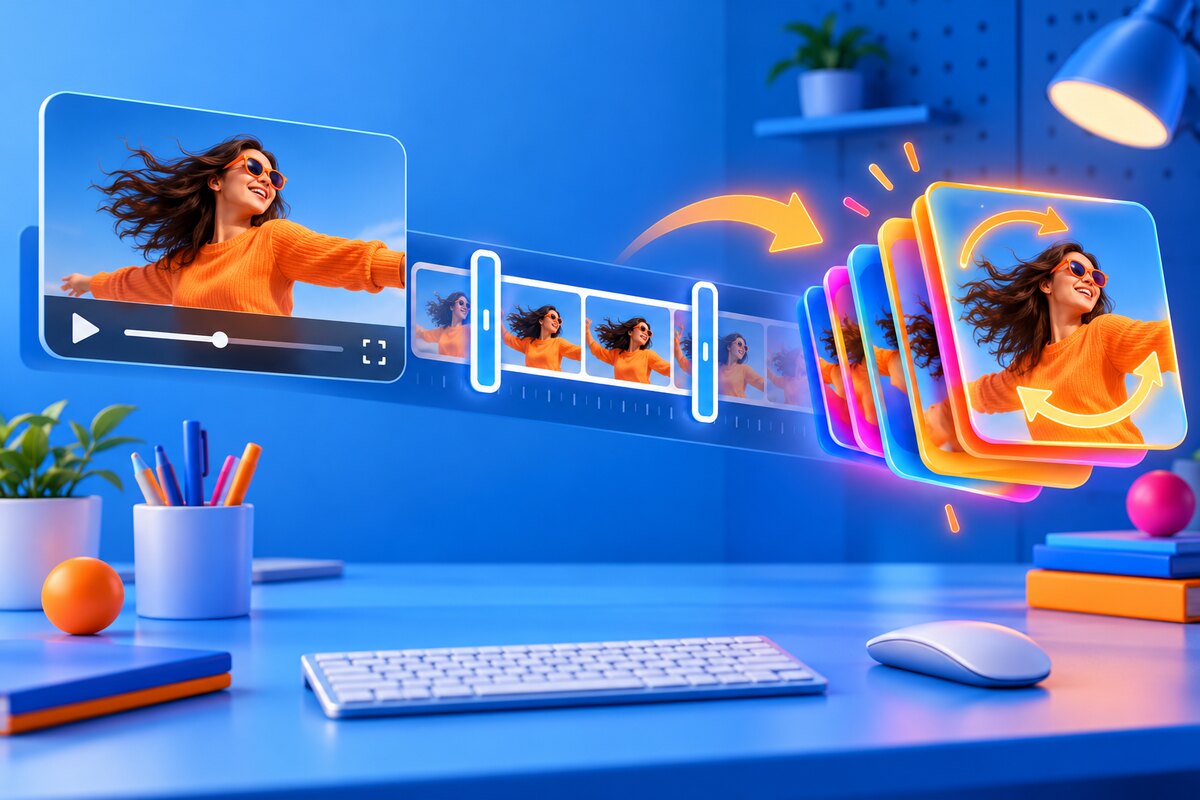
Quick answer: Download MP4 first, trim aggressively, crop, resize, choose frame rate, then encode and inspect the loop. Keep the MP4 master.
The best Reddit video-to-GIF workflow has two stages: obtain the best public MP4 source, then make a short, purpose-built GIF. Converting the feed preview or screen recording compounds compression. Starting with the downloadable source gives you more room to reduce duration, dimensions, frame rate, and colors in a controlled order.
Conversion steps
Copy the Reddit post link and download the highest useful MP4. Open the MP4-to-GIF converter, select only the moment you need, and crop away browser bars or empty margins if present. Start around 480–720 pixels wide and 12–18 fps for a reaction. Generate the GIF, check its first-to-last transition, then reduce colors or dimensions only if the file is too large.
Quality and size
GIF's palette makes smooth gradients and video noise expensive. A two-second reaction can look excellent, while a thirty-second full-screen clip becomes enormous or visibly banded. Reddit designers consistently recommend experimenting with resolution and frame rate. Evaluate the animation where it will actually appear; a compact chat reaction does not need presentation-scale dimensions.
Sound and attribution
GIF cannot contain audio. If the source's meaning depends on sound, share the MP4 or provide both versions. Preserve the Reddit permalink and creator information, especially before reposting. Downloading a public file does not transfer copyright or erase community rules.
Original Reddit discussions and primary references
These sources are linked so you can inspect the user reports and official documentation directly. We summarize patterns rather than treating any single comment as universal.
- r/graphic_design: High-resolution MP4 to GIF — Long-term reports on quality, size, and converter artifacts.
- r/graphic_design: Reducing GIF file size — Current advice on resolution and frame-rate tradeoffs.