

How to Download TikTok Videos Without Watermark
TikTok videos make some of the best GIFs on the internet — they are short, expressive, and built around punchy, repeatable moments. The problem is TikTok's built-in save feature adds a distracting watermark. Here is how to download TikTok videos cleanly and convert them to GIFs.
Downloading Without the Watermark
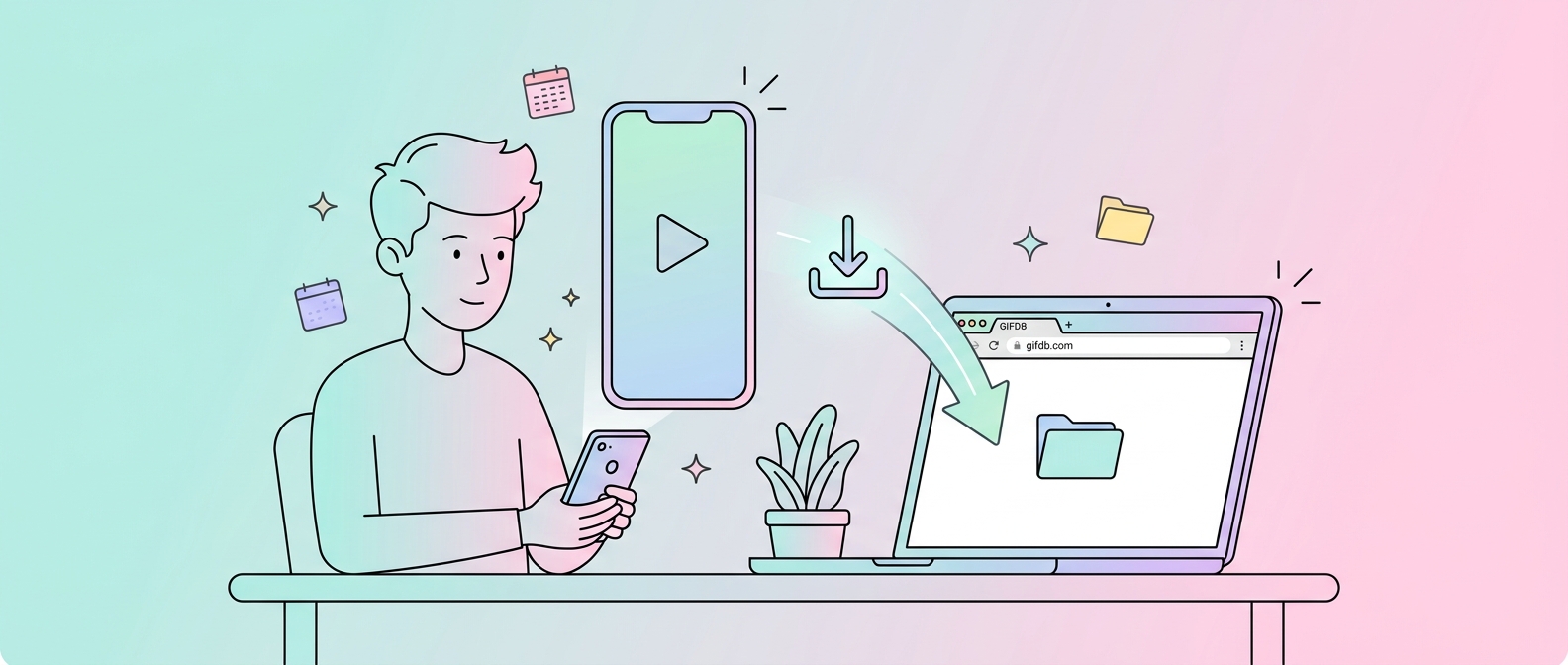
The GIFDB TikTok downloader is the fastest way to get a clean, watermark-free copy. Open TikTok, find the video you want, and copy the URL — on mobile, tap the Share button on the video and choose Copy Link; on desktop, copy the URL from your browser's address bar. Go to the GIFDB TikTok downloader, paste the URL into the input field, and tap Download. The tool fetches the video from TikTok's servers in its original quality and saves it as an MP4 to your device, without the TikTok overlay.
Alternative Download Tools
SnapTik, SSSTikTok, and SaveTok are other reliable browser-based TikTok downloaders that work the same way — paste URL, click download, get the MP4. They are all free and require no account. For bulk downloads or automated workflows, Python libraries like TikTok-Api and command-line tools like yt-dlp support TikTok URLs and can download entire user libraries if needed.
Converting the TikTok Video to a GIF
Once you have the MP4, open the MP4 to GIF converter, upload the video, and trim it to the section you want. TikTok videos are usually already short (15–60 seconds), and most GIF-worthy moments are just 2–5 seconds within that clip. Set your trim points carefully using the timeline — picking the exact right moment is what makes a GIF land. Choose 480p resolution for a sharing-ready file, click Convert, and download.
Choosing the Right TikTok Moment
The best TikTok-to-GIF moments tend to be reaction shots, dance moves with a clear peak moment, joke deliveries, or surprising visual transitions. Look for clips where the loop point works naturally — where the end of your selected window flows back into the beginning without an obvious jump. This is what separates a GIF that feels satisfying to watch from one that feels choppy and random.
Mobile Workflow
On a phone, copy the TikTok link, open the GIFDB TikTok downloader in your browser, paste and download. The video saves to your camera roll. Then open the MP4 to GIF converter in the same browser, upload the video from your camera roll, trim and convert. The whole process works entirely in a mobile browser — no app installation needed. For the full TikTok to GIF pipeline with more detail, see the dedicated TikTok to GIF guide. For downloading from Twitter instead, see downloading Twitter videos. The parent guide covering all platforms is at download videos for GIFs.