

GIF vs MP4: Which Format is Better?
GIF and MP4 are both used for looping video content online, but they work very differently under the hood and have different strengths depending on where and how you plan to use the result. Understanding the trade-offs helps you choose the right format every time instead of defaulting to GIF out of habit.
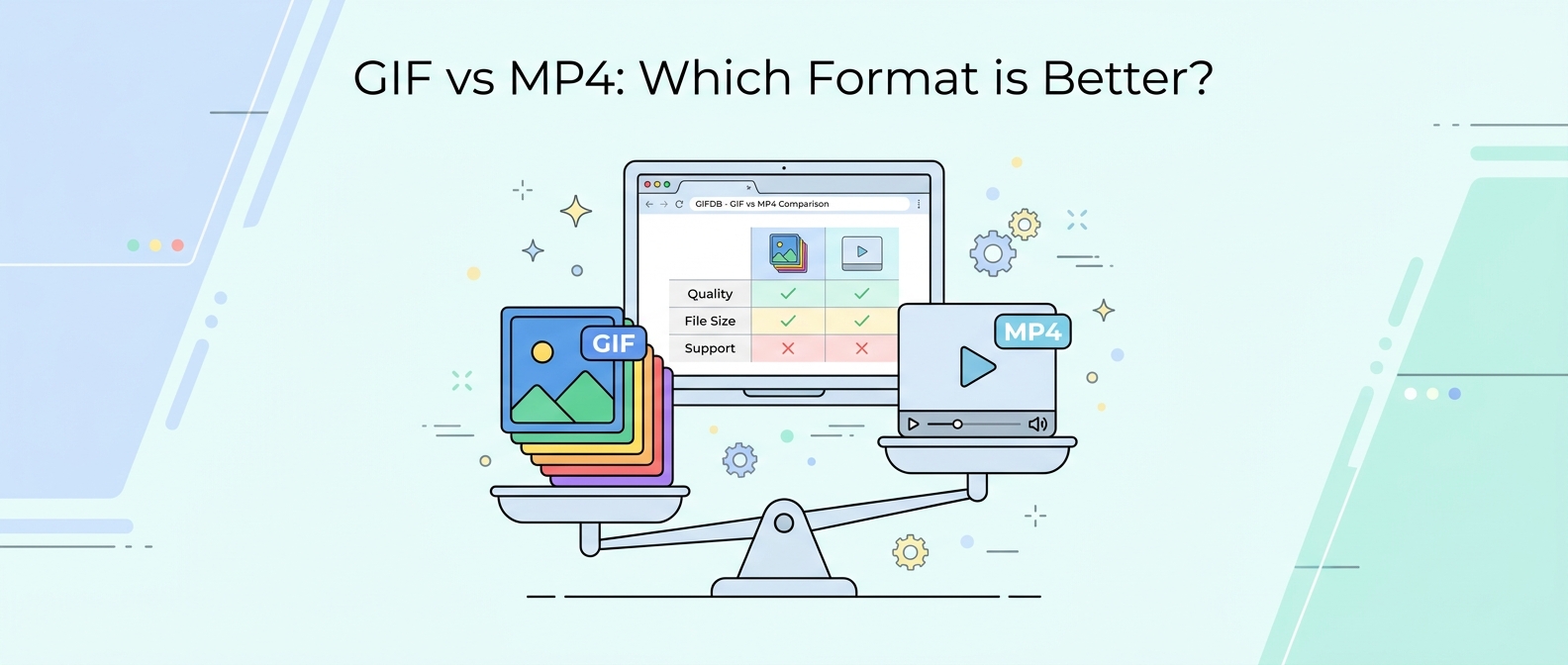
File Size: MP4 Wins Decisively
The most dramatic difference between GIF and MP4 is file size. A 5-second clip at 480p resolution might be 8–15 MB as a GIF and only 800 KB to 2 MB as an MP4. That is a 5–10x difference in size for identical visual content. The reason is compression efficiency: MP4 uses modern inter-frame compression (H.264 or H.265 codec) that stores only the pixels that changed between frames. GIF stores each frame as a near-complete image and is limited to a 256-color palette, both of which drive up file size dramatically.
This size difference matters for page load times, email attachment limits, social media upload limits, and storage costs. For the same reason, Twitter converts every GIF you upload into an MP4 before serving it — the file size savings are too significant to ignore.
Quality: Also MP4
MP4 supports millions of colors with no palette restriction, which means it handles photographic content, gradients, and natural footage far better than GIF. GIF's 256-color limit produces visible dithering and color banding in complex images, particularly in areas of smooth color gradation like skin tones, skies, or out-of-focus backgrounds. For simple, flat-color graphics, GIF quality is acceptable. For anything involving photographic detail, MP4 looks noticeably better at the same or smaller file size.
Compatibility: GIF Has the Edge
This is where GIF still wins. Every browser, every email client, every device, every operating system dating back decades can display an animated GIF without any additional software or codec support. MP4 requires a video player and codec support, which is universally present in modern environments but can create issues in older systems, certain email clients (Outlook on Windows shows only a static image from a video), and some API systems that only accept image formats. If you are embedding content in an environment where you cannot guarantee video codec support, GIF is the safer choice.
Audio Support
GIF cannot carry an audio track under any circumstances — it is a strictly visual format. MP4 supports high-quality audio alongside the video stream. If your content needs sound, MP4 (or WebM) is your only practical option. Many social platforms mute videos by default but give viewers the option to unmute, which makes this advantage usable in practice.
When to Use Each Format
Use a GIF when you need guaranteed image-format compatibility — for email clients that do not support video, for image fields in APIs or CMS systems, for platforms that specifically require an animated image file. Use MP4 when you control the delivery environment, need audio, want the smallest possible file, or are posting to a social platform that accepts video. For the conversion tools to move between formats, the MP4 to GIF converter handles the most common direction, and the guide on converting GIF to MP4 covers the reverse. The broader GIF format guide has more comparisons and conversion guides. For a GIF vs. modern image format comparison, see the GIF vs WebP article.