

Download Videos for GIFs: Tools and Guides
Some of the best source material for GIFs lives on social media platforms — a perfectly timed TikTok clip, a reaction moment from a tweet, a highlight from an Instagram Reel. To convert any of that content into a GIF, you need the raw video file first. This guide covers every platform and the tools that download videos cleanly, plus the conversion step that turns them into GIFs.
Why Downloading First Is Necessary
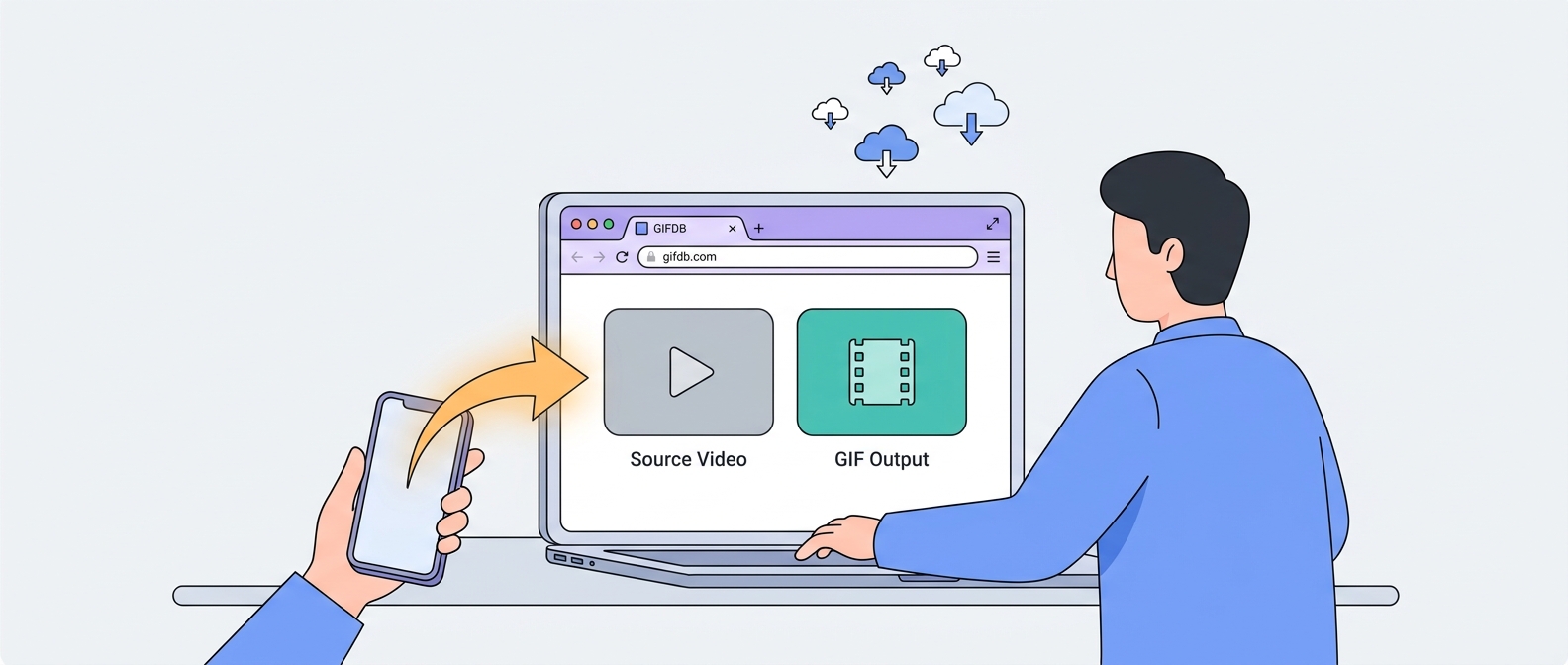
Social platforms do not give you a direct download button for most videos — they want you to stay on the platform. But for GIF creation, you need the actual .mp4 file on your device so you can feed it into a converter. Dedicated downloader tools bridge this gap by extracting the video from the platform's hosting and saving it to your device in a standard format. Once you have the MP4, converting to GIF is straightforward using the GIFDB MP4 to GIF converter.
TikTok Videos
TikTok is one of the richest sources of GIF-worthy content — short, expressive clips that loop naturally. The GIFDB TikTok downloader saves TikTok videos without the watermark that TikTok adds to its own in-app saves. The full workflow is covered in the guide on how to download TikTok videos, including the complete TikTok-to-GIF pipeline in the dedicated guide on converting TikTok to GIF.
Twitter and X Videos
Twitter is full of viral video clips that make excellent GIFs. The GIFDB Twitter video downloader handles tweet videos across all quality levels. The full process is in the guide on how to download Twitter videos, and the end-to-end conversion workflow is in the Twitter to GIF guide.
Instagram Reels and Videos
Instagram Reels have become a prime source of short, well-edited video content. Downloading them requires a third-party tool since Instagram does not offer native download for Reels. The options and step-by-step process are covered in the Instagram Reels download guide.
YouTube Shorts
YouTube Shorts are vertical short-form videos that often make great GIFs. The process for downloading them is slightly different from regular YouTube videos because the platform serves them through a different URL structure. The YouTube Shorts download guide covers the current methods.
Other Platforms
Facebook, Reddit, and Snapchat all have video content worth converting to GIFs. The guides on downloading Facebook videos, downloading Reddit videos, and saving Snapchat videos each cover the platform-specific approaches.
The Conversion Step
Once you have your MP4 downloaded, the conversion to GIF is the same regardless of which platform it came from. Open the MP4 to GIF converter, upload the file, set your trim points to isolate the 2–8 second window you want, choose a resolution (480p for sharing, 720p for quality), and convert. The guide on best free video to GIF converters compares all the tools available if you want options beyond the GIFDB converter.
Copyright and Fair Use
Downloading videos for personal use and creating GIFs for non-commercial purposes generally falls within fair use in many jurisdictions, but distributing copyrighted content widely — reposting a viral clip as your own, for example — can cross into infringement. Creating GIFs from content you filmed yourself, from royalty-free sources, or for transformative commentary purposes is the safest approach. When in doubt, credit the original creator and link back to the source.
Finding GIFs Without Downloading
If you want ready-made GIFs rather than making your own, GIFDB has thousands organized by category — browse the funny collection, anime GIFs, cat GIFs, and love GIFs for options across every mood and occasion. The GIF maker also lets you create original GIFs from your own videos without needing to download anything from social media first.
Articles in this Guide
- How to Download TikTok Videos Without Watermark
- How to Download Twitter/X Videos
- How to Download Instagram Reels
- How to Download YouTube Shorts
- Best Free Video to GIF Converters in 2026
- How to Download Facebook Videos
- How to Download Reddit Videos
- How to Save Snapchat Videos
- TikTok to GIF: Complete Conversion Guide
- Twitter to GIF: Convert Tweets to Animated GIFs