

How to Download Instagram Reels
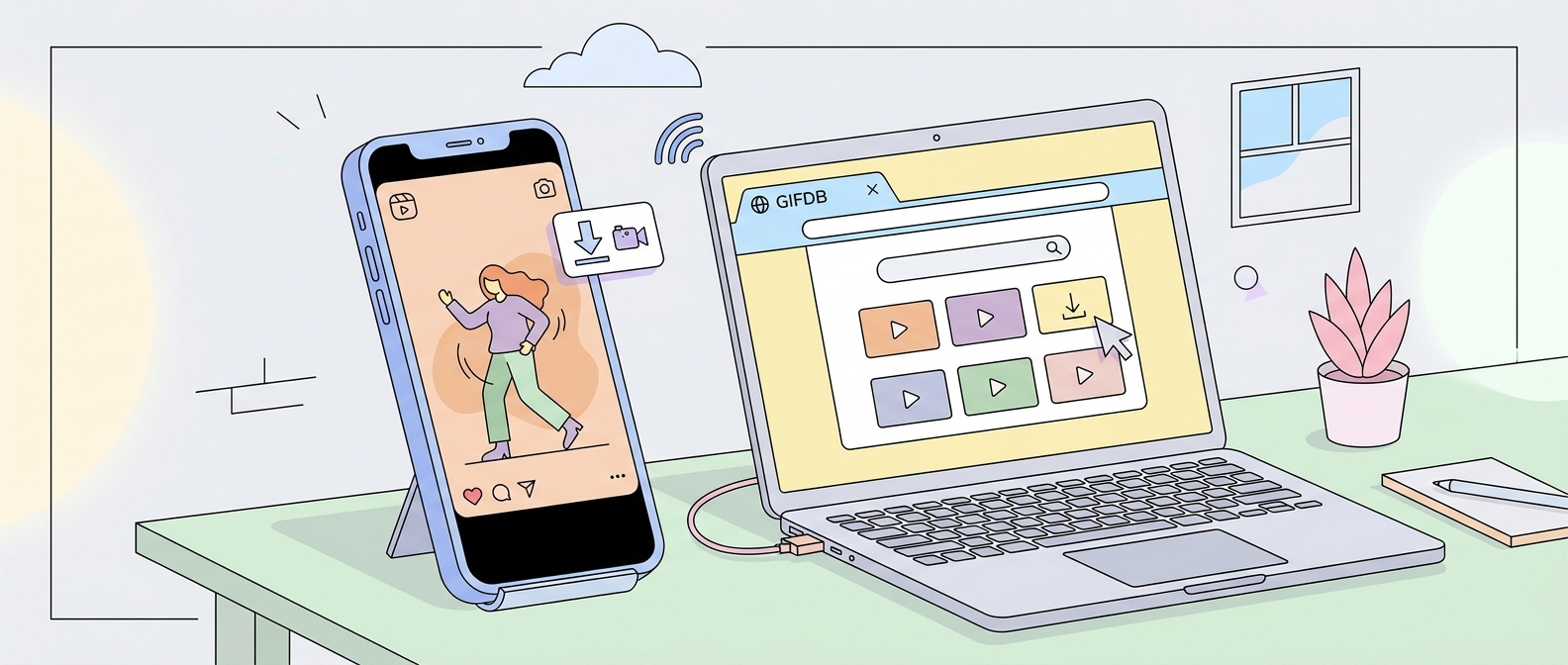
Instagram Reels are short, well-produced video clips that often make excellent GIFs. Instagram does not offer a native download button for Reels, but third-party tools handle it cleanly. Here is the complete process from finding the Reel to downloading it and converting it to a GIF.
Getting the Reel URL
On the Instagram app, open the Reel you want. Tap the three-dot menu (the ellipsis icon) below the Reel and select Copy Link. On the desktop Instagram website, click the three-dot menu on the post and choose Copy Link. You now have the Reel's URL in your clipboard.
Downloading the Reel Video
Several free browser tools accept Instagram Reel URLs. SnapInsta, SaveInsta, and InstaDownloader are all reliable options — paste the URL into the input field, click Download, and save the resulting MP4 to your device. These tools work in any browser and require no registration or installation. The video downloads in the quality it was originally uploaded to Instagram, typically 720p or 1080p.
yt-dlp, the command-line tool, also supports Instagram URLs for users comfortable with terminal commands: yt-dlp [URL] will download the Reel to the current directory. This is useful for batch downloads.
Converting the Reel to a GIF
Open the GIFDB MP4 to GIF converter, upload your downloaded MP4, and trim to the 2–6 second window you want. Instagram Reels are typically 15–90 seconds, so precise trimming is important. Set your resolution — 480p is right for most sharing contexts — and convert. The GIF is ready to share in any messaging app, post to Twitter, or use in email.
Vertical Video Considerations
Instagram Reels are vertical (9:16 aspect ratio), which means your GIF will be taller than it is wide. This format works well in mobile messaging apps and in phone-oriented contexts but can look awkward on desktop-sized canvases. If you need a horizontal or square GIF, use the crop tool in Ezgif or Photoshop to reframe the content before or after conversion.
Related Downloads
For TikTok videos, which have a similar vertical format, the process is described in the TikTok download guide. For Twitter video downloads, see how to download Twitter videos. The main hub for all platform downloads is at download videos for GIFs.