

How to Download Facebook Videos
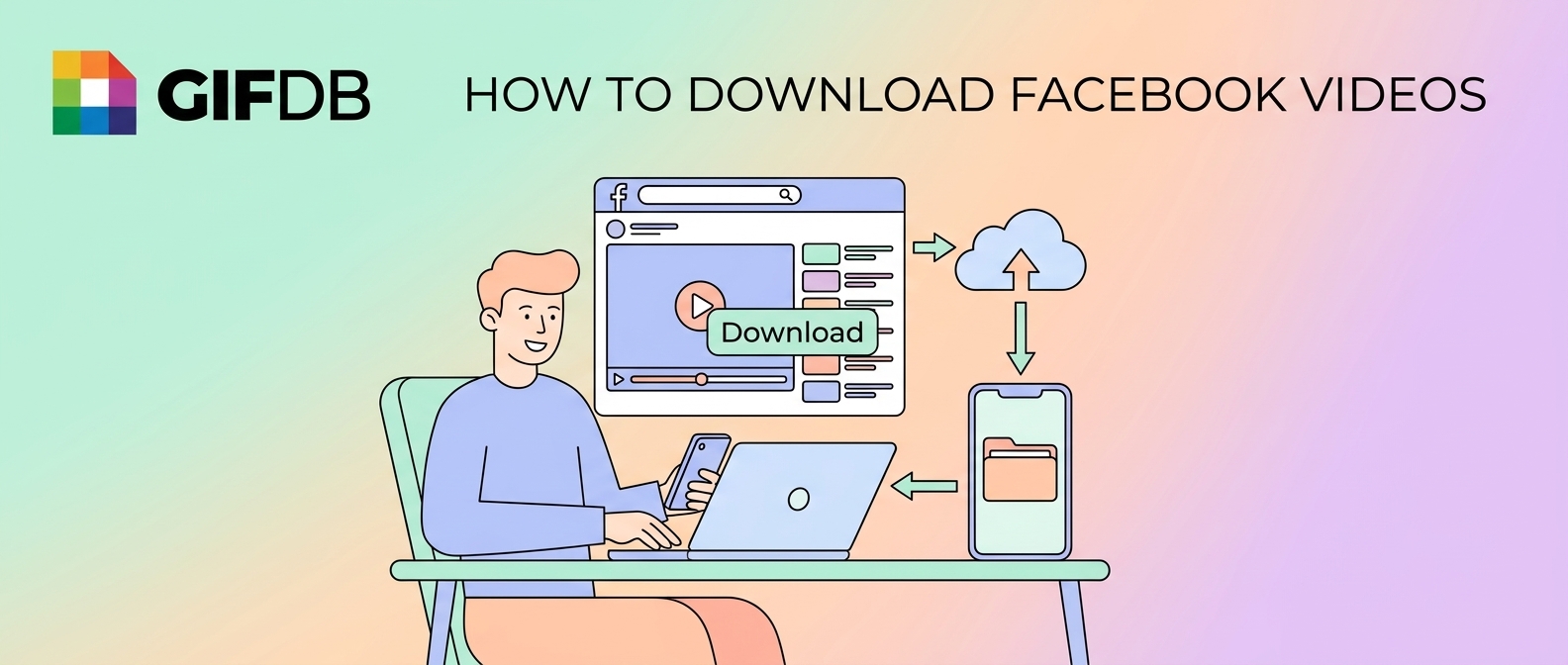
Facebook has enormous amounts of video content — viral clips, news segments, sports highlights, live recordings — much of it worth preserving as a GIF. Facebook does not offer a native video download button, but several tools handle this cleanly. Here is how to download Facebook videos and convert them to GIFs.
Finding the Video URL
On Facebook, click on the video to open it in a larger view. In the browser address bar, copy the URL — it will contain facebook.com/watch?v= followed by a long number, or for Reels it will be a facebook.com/reel/ URL. On mobile, tap the three-dot menu on the video and choose Copy Link.
Downloading with a Browser Tool
SaveFrom.net, FBdown.net, and GetFVid are all reliable free tools for downloading Facebook videos. Paste the URL into the input field, click Get Video, and choose your quality option — 720p or 1080p for best GIF conversion results. Click Download and save the MP4 to your device. These tools work in any browser and require no registration.
For users who prefer command-line tools, yt-dlp supports Facebook video URLs: run yt-dlp [URL] to download the video in the best available quality. This is more reliable than browser tools for Reels and live video recordings.
Converting the Facebook Video to a GIF
Open the GIFDB MP4 to GIF converter, upload your downloaded MP4, and use the timeline handles to trim to the specific moment you want. Facebook videos are often longer than typical GIF source material, so precise trimming to a 2–6 second window is important. Set resolution to 480p for a shareable file, click Convert, and download.
Facebook Live and Longer Videos
Facebook Live recordings are often 30 minutes to several hours long. For these, trim the video locally before uploading to the converter — use VLC's built-in clip trimmer (Media → Convert/Save) or any free video editor to cut a 10–20 second segment around your target moment. Then upload that shorter clip to the converter. This saves time and produces a more manageable conversion.
For downloading from other platforms, the guides on TikTok downloads, Twitter downloads, and Instagram Reels downloads cover the equivalent processes. The main hub is at download videos for GIFs.