

Twitter to GIF: Convert Tweets to Animated GIFs
Twitter is one of the richest sources of viral video clips, and turning a well-timed tweet video into a GIF is a satisfying way to capture a moment in a shareable format. Here is the complete workflow from tweet to finished GIF.
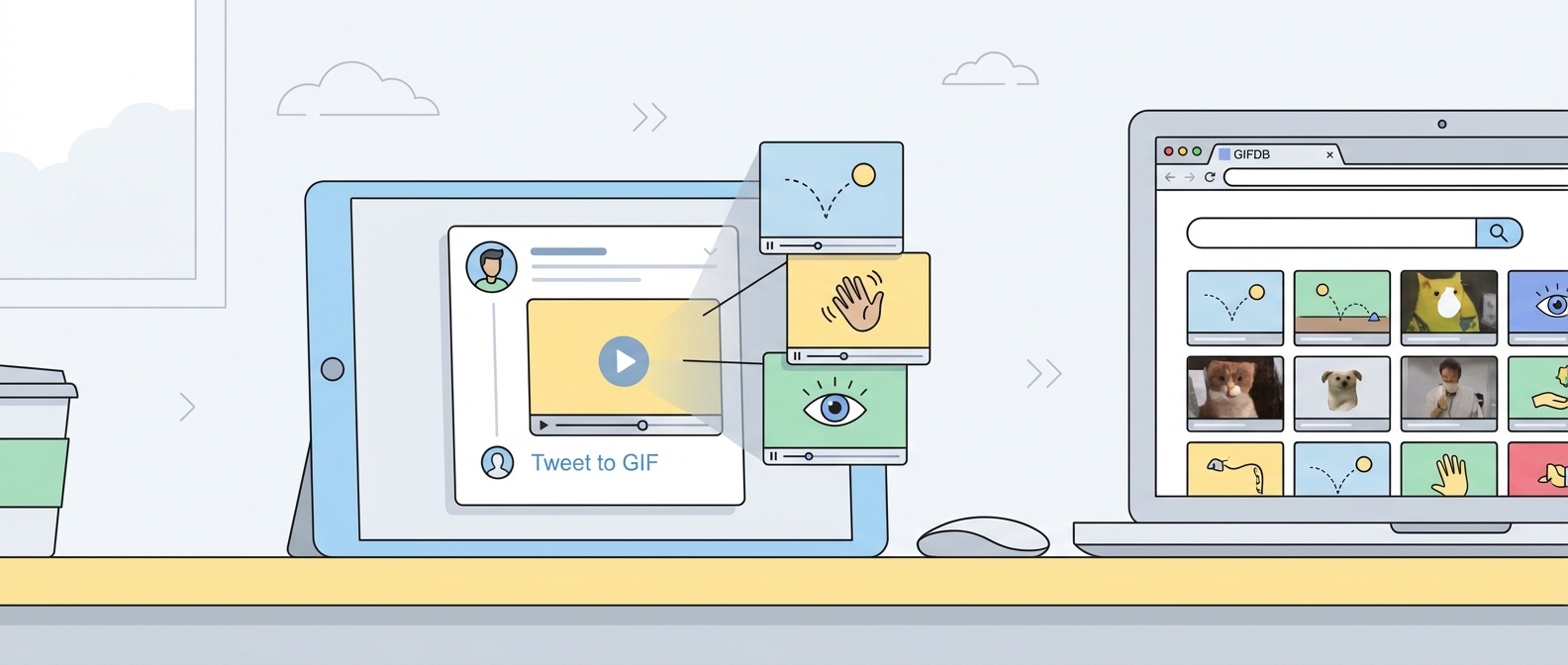
Step 1: Find the Tweet
Locate the tweet that contains the video you want. Videos embedded directly in tweets — not links to YouTube or other platforms, but videos uploaded directly to Twitter — work best with the download tools. Confirm the video plays inline in the tweet before copying the URL.
Step 2: Download the Tweet Video
Copy the tweet URL from the browser address bar (on desktop) or from the Share → Copy Link option (on mobile). Go to the GIFDB Twitter video downloader, paste the URL, and tap Download. Select the highest quality option available — 720p is usually sufficient, and 1080p is available for higher-quality tweets. Save the MP4 to your device.
If the GIFDB downloader does not work for a specific tweet (some accounts or tweets have restrictions), try SaveTweetVid or yt-dlp as alternatives. These tools handle edge cases that simpler browser tools miss.
Step 3: Find the Right Window
Play the downloaded video and find the 2–5 second window that makes the best loop. Twitter videos are often short, but even a 15-second video has a specific peak moment that works as a GIF. Note your target start and end times. The best GIF loops have a setup that leads to a clear reaction or action, and an end point that flows naturally back to the beginning.
Step 4: Convert to GIF
Open the MP4 to GIF converter, upload the file, trim to your target window using the timeline handles, select your resolution (480p for sharing, 720p for quality), and click Convert. Download the resulting GIF.
Step 5: Post It Back
The most effective place to share a Twitter-sourced GIF is often back on Twitter itself. Compose a tweet, click the image icon, upload your GIF (under 15 MB), and add a comment for context or humor. Twitter converts it to autoplay video in the timeline. You can also share in Discord, by email, or anywhere GIFs are welcome. For the full download platform guide, see download videos for GIFs. For TikTok's equivalent pipeline, see TikTok to GIF. For Twitter GIF posting in detail, see posting GIFs on Twitter.