

GIF Size Limits for Every Social Media Platform
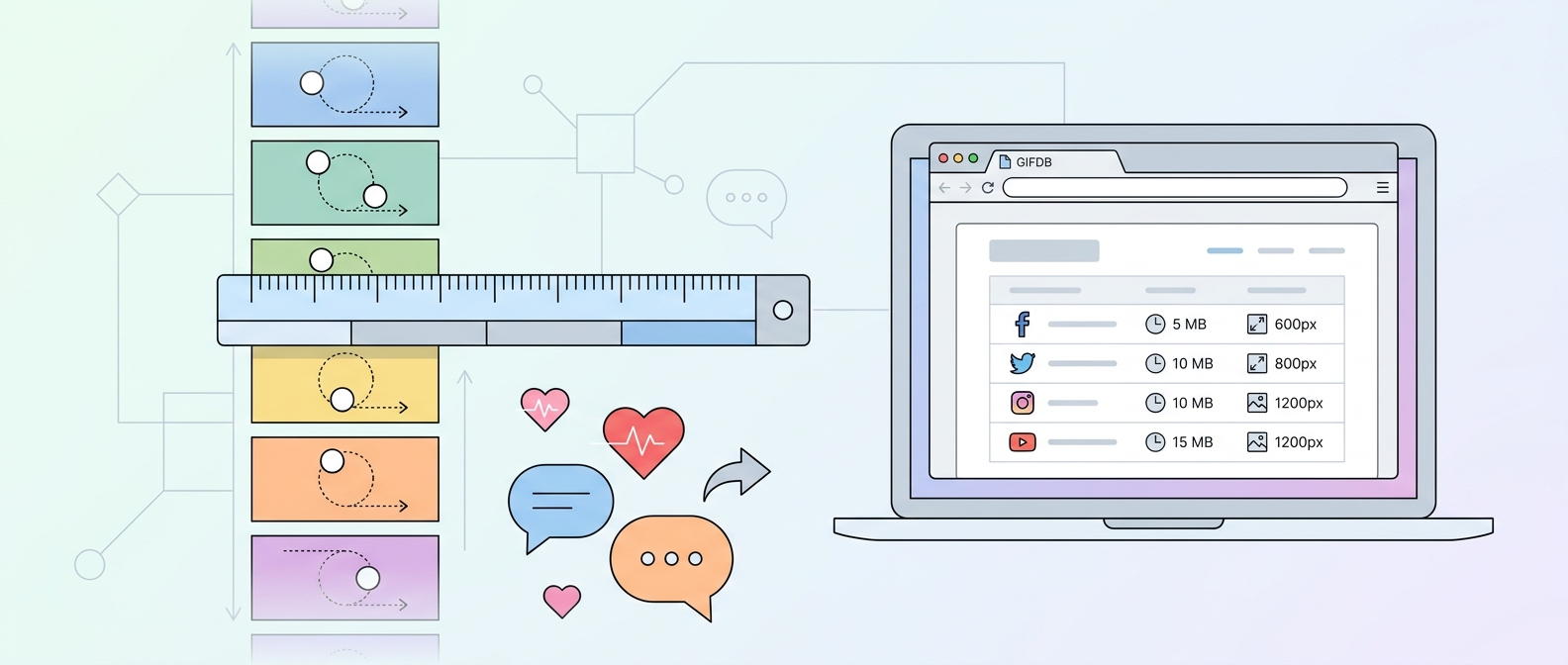
Every major social media platform has its own GIF file size limit, and exceeding it means your upload fails or your file gets auto-converted in ways you did not intend. Knowing the limits for each platform in advance saves you from the frustration of failed uploads and helps you optimize your GIF for wherever it is going.
Twitter and X
Twitter accepts GIF files up to 15 MB. Above that limit, uploads fail with an error. In practice, Twitter converts all GIF uploads to silent MP4 videos on their servers, which is why GIFs on Twitter load quickly despite the relatively generous size limit. For the best upload experience, keep your GIF under 10 MB — files close to the 15 MB limit sometimes have processing issues. Maximum GIF dimensions on Twitter are 1280x1080 pixels, but the timeline displays them much smaller. One GIF per tweet is the maximum; you cannot combine GIFs with other image attachments.
Discord
Standard Discord accounts can upload files up to 8 MB, including GIFs. Nitro Basic subscribers have a 50 MB limit, and Nitro subscribers have the same. For servers with a boost level, the server-wide upload limit may be higher. The 8 MB limit is the most restrictive of any major platform, so Discord GIFs typically need to be short and at lower resolution. The guide on compressing GIFs covers the fastest steps to get a file under 8 MB.
WhatsApp allows media files up to 16 MB. GIFs shared as animated images are subject to this limit and are additionally compressed by WhatsApp if they are large, which can degrade animation quality. For reliable animated playback, keep WhatsApp GIFs under 5 MB. GIFs over this threshold often arrive as static images because WhatsApp's compression process disrupts the animation data.
Facebook accepts GIF uploads up to 20 MB in timeline posts and Messenger. However, GIFs uploaded to Facebook are converted to video for display, and the conversion process sometimes produces visible quality reduction. For the cleanest result, upload a GIF that is already well-optimized — under 10 MB, with a resolution no wider than 640px.
Instagram does not accept direct GIF file uploads for feed posts. GIF content on Instagram comes through the GIPHY sticker integration in Stories, or by uploading short MP4 videos that loop in the feed. For all practical purposes, there is no GIF file size limit to worry about on Instagram because the format is not supported as a direct upload.
Reddit's direct upload limit for GIFs and images is 20 MB. Larger files should be hosted on Imgur or Redgifs and shared as links. Reddit converts uploaded GIFs to its own hosted video format, which displays as an animated preview in feeds.
Slack
Slack's attachment limit is 1 GB per file, making it one of the most generous platforms for GIF sharing. In practice, GIFs are almost never large enough to hit this limit. Workspace-level restrictions set by administrators may impose lower limits in some environments.
Email (Gmail, Outlook, Apple Mail)
Email does not have a universal GIF size limit, but practical limits apply. Gmail has a 25 MB total attachment limit. Outlook for Exchange has a default 20 MB limit (adjustable by administrators). For reliable display, keep email GIFs under 1 MB for marketing emails and under 5 MB for personal correspondence. For platform size reduction tools, the MP4 to GIF converter lets you control output resolution precisely, and the full GIF format guide has more context.