

Why Are GIF Files So Large?
GIF files are famously large. A 5-second clip that would be under 1 MB as an MP4 can easily be 10–20 MB as a GIF. This is not a bug or poor encoding — it is a consequence of how the GIF format was designed nearly four decades ago. Understanding why helps you make better compression decisions.
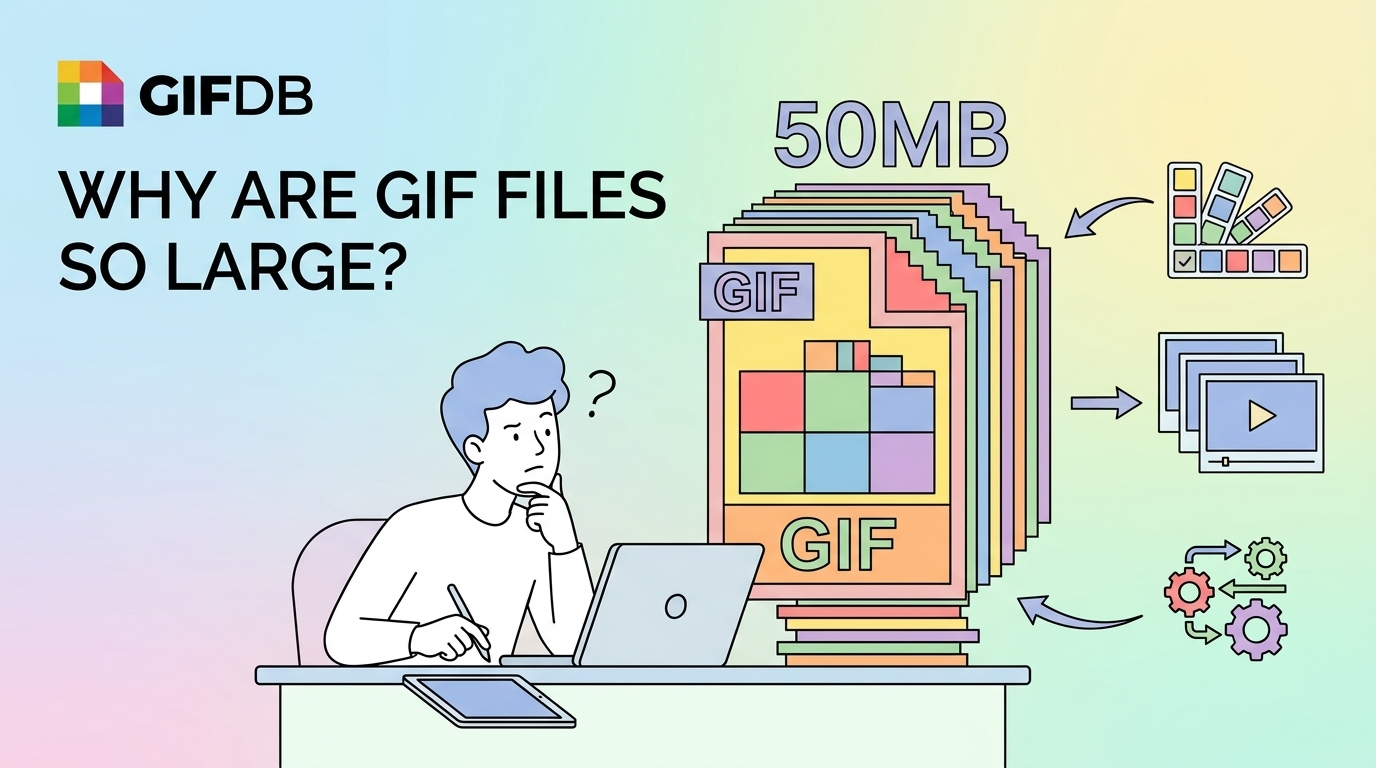
The 256-Color Palette Problem
GIF was designed in 1987 for computer displays that could only show 256 colors. To represent a full-color image, the GIF encoder has to find the 256 colors that best approximate the original and then store every pixel as a reference to one of those 256 palette entries. This is called palette quantization, and it requires every frame to carry both the color data and the palette mapping. Modern image formats like JPEG and WebP use far more efficient color encoding schemes. This color inefficiency is one layer of why GIF files are large.
No Inter-Frame Compression
This is the biggest contributor to GIF's size problem. Modern video formats like MP4 use inter-frame compression, which works by storing only the pixels that changed between one frame and the next. In a video where the background is stationary, the encoder can represent 29 of 30 frames using just the differences from the previous frame — the result is extraordinary compression efficiency. GIF has a much simpler optimization: it can mark unchanged pixels as transparent in subsequent frames, but this is far less efficient than true inter-frame compression. Each frame in a GIF is still largely self-contained, which means the data adds up quickly.
LZW Compression Is Old
GIF uses Lempel-Ziv-Welch (LZW) lossless compression, which was state-of-the-art in 1987. Modern compression algorithms used in MP4, WebP, and AVIF are dramatically more efficient. LZW compresses well for images with large areas of uniform color — which is why GIF handles flat-color graphics and logos better than photographs — but struggles with the pixel-level variety found in natural images and video footage.
High Frame Rates Make It Worse
Every additional frame in a GIF adds size. A 24fps GIF is approximately 60% larger than a 15fps GIF of the same content. Unlike video formats where a higher frame rate can actually improve compression efficiency (more data to find similarities between), GIF gets bigger with every frame you add. Keeping GIFs at 10–15fps and trimming them to the shortest necessary duration are the most effective size-control strategies.
What This Means Practically
When you need a small, shareable file, consider whether MP4 would serve the purpose as well or better than GIF. The guide on GIF vs MP4 covers when each format is appropriate. When you must use GIF, the guide on compressing GIFs covers the most effective techniques for reducing file size within the format's constraints. And for platform-specific size limits you need to hit, the social media GIF size limits guide has the numbers for every major platform. The main reference is the GIF format guide.